StackZero's file framework
A quick breakdown of the OpenClaw file system StackZero ships with, plus how to install it in minutes.
Background
OpenClaw is the open-source, locally-running personal AI agent framework. OpenClaw uses a folder (typically `~/.openclaw/`) of plain Markdown files for persistent, human-editable configuration, memory, and behavior. These files are loaded into the agent's context at startup or during cycles, making the system transparent and modifiable.
These Markdown files commonly appear together in certain personal AI agent frameworks. They structure the agent's persistent configuration via plain Markdown files instead of code or complex databases.
These files are usually placed in a dedicated folder (sometimes called `knowledge/` or `self/`) and read by the agent system at startup or during each cycle. They allow easy human editing while giving the AI persistent, version-controllable memory and structure.
How to Install a File Framework
1. Download the zip and open the files
2. Back up your old files to another folder on your machine
3. Add new files to your directory
Option 1: Drag files into your `~/openclaw` directory and replace the existing ones
Option 2: Copy paste the text from each file into the existing files to overwrite the previous text
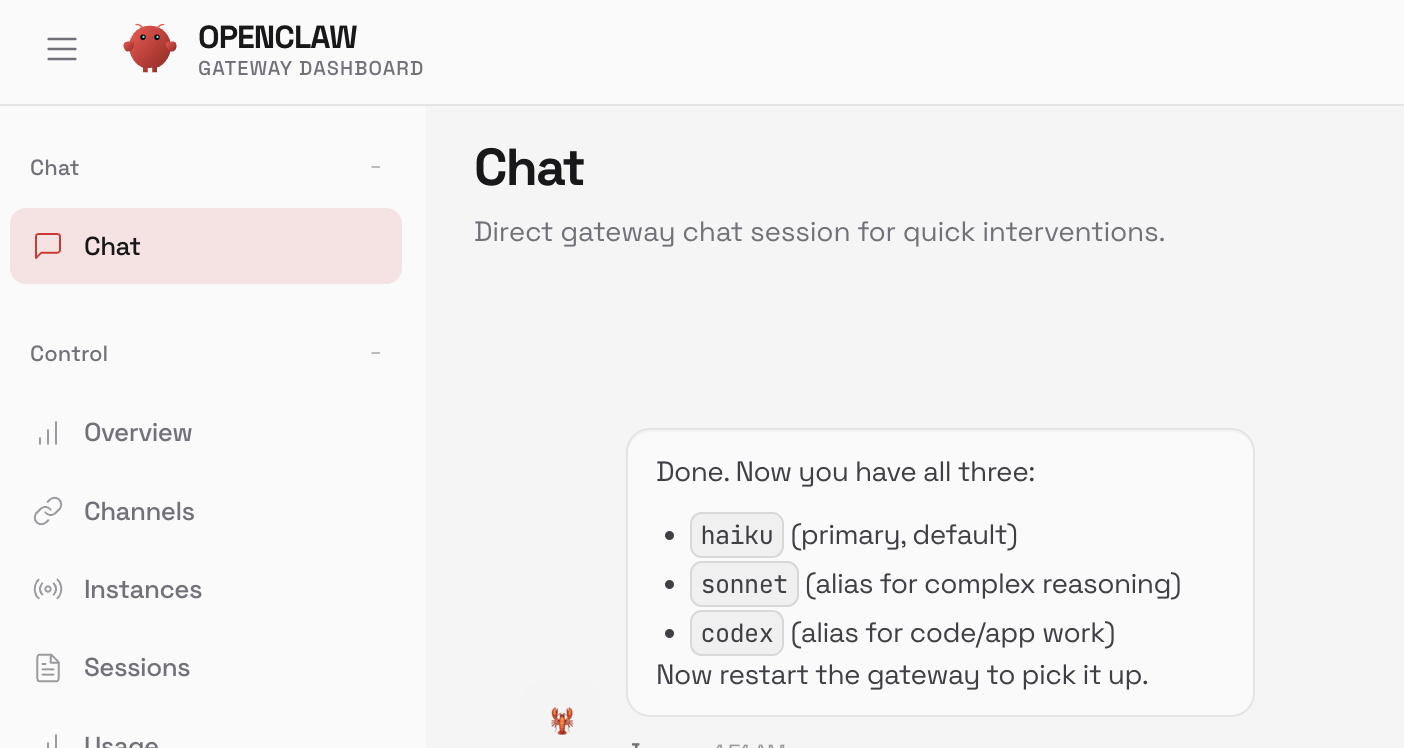
4. Restart your gateway. OpenClaw will pick up the new model config and context on the next prompt.
That's it.
What's included
General behavioral guidelines and session startup rules. It often acts as the entry point or "umbrella" file — defining how the agent should operate across situations, high-level interaction patterns, tool usage preferences, or default manners when no more specific file applies.
High-level objectives and purpose ("The Why"). This file contains the agent's long-term mission, core motivations, key results to pursue, life/project/business goals it's meant to help achieve, or the overarching reason for its existence.
Rules of behavior, dos and don'ts, ethical boundaries, communication style constraints, safety rails, or operational principles ("soft rules"). It shapes how the agent should reason, respond, and make decisions without prescribing exact steps.
The periodic self-check / main execution loop checklist ("The CPU" or "heartbeat"). This file lists routines the agent runs on a timer (e.g. every 15–60 minutes): review pending items, scan for urgent events (emails, notifications), reflect on progress, update memory, or perform housekeeping tasks to stay alive and proactive.
The agent's self-conception and persona ("Who am I"). It defines name, role, personality traits, backstory, relationship to the user, voice/tone, sense of agency, pronouns, and any fixed characteristics that make the agent feel like a consistent character.
Long-term, curated, high-value persistent memory ("Important things I should never forget"). Unlike daily logs, this file holds condensed, durable facts, user preferences, key decisions, relationships, learned lessons, or recurring context that the agent should recall across sessions.
Guidelines or notes for improving the agent's own performance, efficiency, reasoning quality, token usage, response speed, or interaction patterns. It may include reflection prompts, preferred reasoning formats, compression strategies, and hardware/model tweaks.
Rules, templates, or frameworks for how the agent should plan, break down tasks, prioritize, handle multi-step goals, and manage uncertainty. Helps the agent stay structured during complex work.
Explicit safety rails, boundaries, red lines, confirmation requirements, and risk policies. Covers tool usage restrictions, sensitive data handling, prompt injection defenses, and drift detection.
The deepest layer of the agent's core being and guiding principles. Contains personality essence, core values, ethical boundaries, and decision-making heuristics.
Active or high-level task list / backlog ("What needs doing right now or soon"). Tracks goals, projects, and recurring responsibilities so the agent stays proactive.
Granular breakdown of items from tasks.md. Contains step-by-step decompositions, checklists, dependencies, and progress notes.
Documentation or notes about available tools, local environment, API keys (non-sensitive hints), device names, integration status, and tool-usage conventions.
Profile and context about the human owner ("Who I'm helping"). Contains name, preferences, timezone, communication style expectations, and recurring needs.